Dishwasher Symbols Guide
Discover the full potential of your Siemens dishwasher.
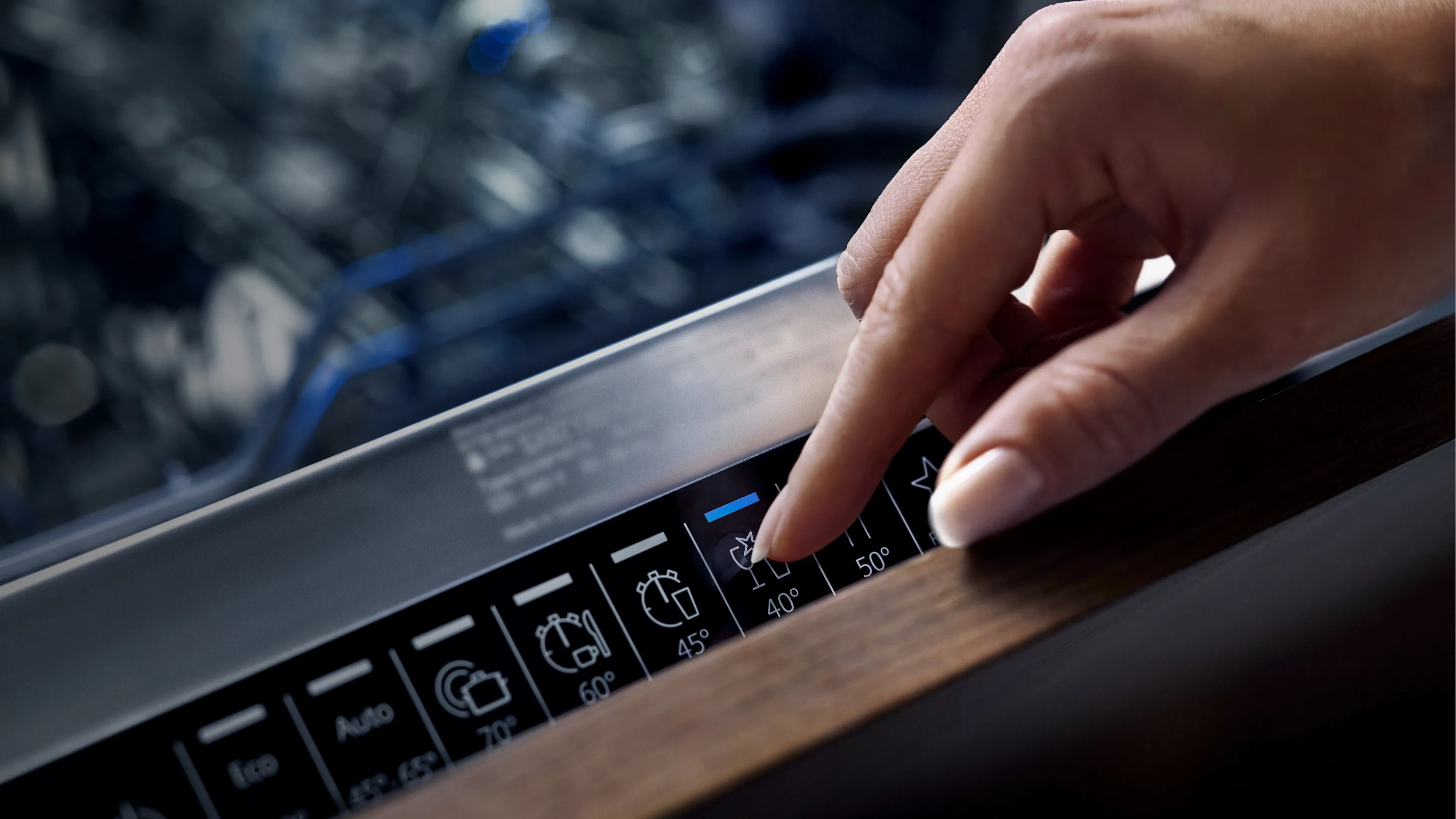
Do you wonder what the symbols on your dishwasher mean? Or which cycle is best for cleaning delicate stemware or soiled pots? This dishwasher symbols guide explains the full range of programs and additional functions available to you. Please note that some cleaning program and function names may vary depending on the model.
Dishwasher symbols for cleaning programmes



Intensive 70°
Auto 45-65°
Eco 50°
For washing pots and pans, non-fragile tableware and cutlery. Removes stubborn burnt or dried-on food remnants containing starch and protein.
Sensor-controlled programme for cleaning mixed tableware and cutlery. Removes lightly dried common household food remnants.
Designed to balance cleaning performance with energy and water consumption when cleaning normally soiled tableware and cutlery.


Silence 50°
Glass 40°
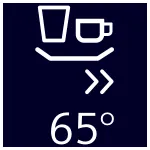
Quick 65°
Reduced noise programme for cleaning mixed tableware and cutlery. Removes lightly dried common household food remnants.
Particularly gentle programme for cleaning delicate tableware, wine glasses, cutlery, temperature-sensitive plastics, glasses and stemware in the stemware basket. Removes lightly adhering fresh food remnants.
Time-optimised programme for cleaning mixed tableware and cutlery. Removes lightly dried common household food remnants.

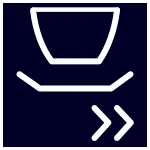
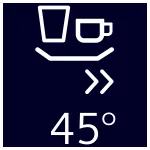
1 hour Program
Short 60°
Quick 45°
For cleaning mixed tableware and cutlery. Removes lightly dried common household food remnants in 1 hour.
Time-optimised programme for cleaning mixed tableware and cutlery. Removes lightly dried common household food remnants.
Time-optimised programme for cleaning delicate tableware, cutlery, temperature-sensitive plastics and glasses. Removes lightly adhering fresh food remnants.


PreRinse
Machine Care
Cold rinsing programme for intermediate cleaning of all types of tableware.
Machine Care, combined with any commercially available machine cleaning detergent, is the suitable way to clean your dishwasher.
Dishwasher symbols for additional functions
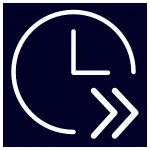

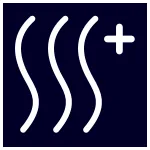
varioSpeed Plus
Shine & Dry
Extra Dry
Use the varioSpeed Plus button to reduce programme duration while supporting effective cleaning and drying performance. For added convenience, varioSpeed Plus can be activated after a programme has started, on the dishwasher or via the Siemens Home Appliances app.
The Shine & Dry option uses an additional rinse to help remove detergent residues and support a brilliant finish on glassware.
The extraDry option can be added to any programme to increase the final rinse temperature and extend the drying phase. This can be useful for items that require additional drying.

hygienePlus
Half Load
intensiveZone
The hygienePlus option raises and maintains the wash temperature for an extended period to support enhanced hygiene conditions. Particularly suitable for items such as chopping boards, food containers and utensils. This option increases programme duration and energy consumption.* *Not available with the Delicate programme.
Designed for smaller loads, the Half Load option adapts the selected programme when the dishwasher is not full. Depending on the programme used, this option may help reduce water and energy consumption compared to washing a full load.
For mixed loads containing tableware with different soiling levels. Place very soiled pots and pans in the bottom basket and normally soiled tableware in the top basket.
The spray pressure in the bottom basket is increased and the maximum water temperature is held for longer. This will increase the running time and energy consumption.
Dishwasher symbols for basic functions



ON/OFF button
Childproof lock
Information
Switching the appliance on and off.
Locks the dishwasher to protect children from potential hazards which the dishwasher poses.
The display shows information about the selected programmes, basic settings and additional functions.



Setting buttons
Timer programming
< > buttons
Press – or + repeatedly to change basic settings.
Press to open the time setting manual.
Press to scroll between the basic settings.

Remote start button
Start button
Use the Home Connect app to start the appliance with your mobile device.
Start / terminate the programme.