
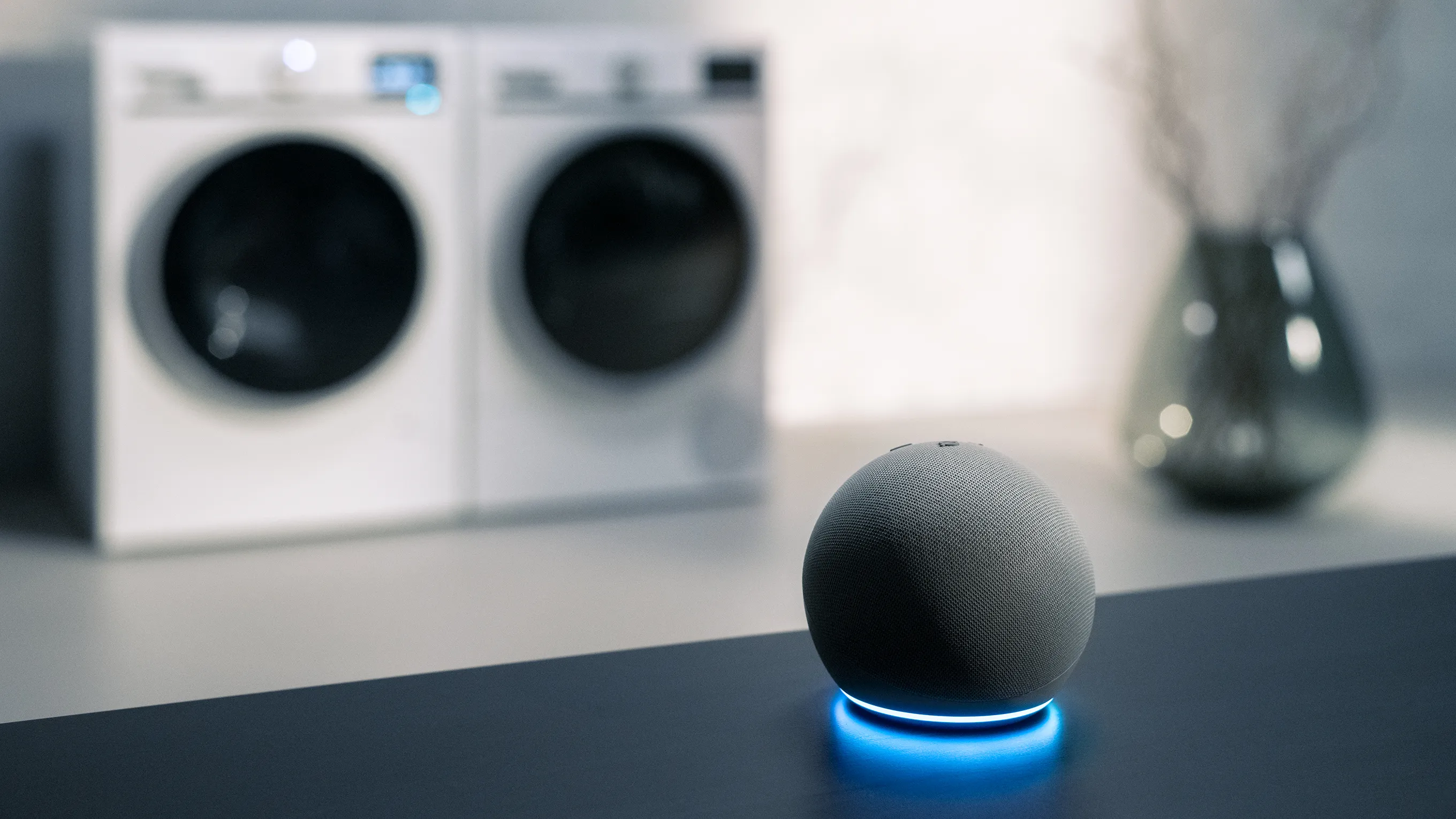
Set up your Amazon Alexa
Guide to Connecting Siemens Appliances with Alexa
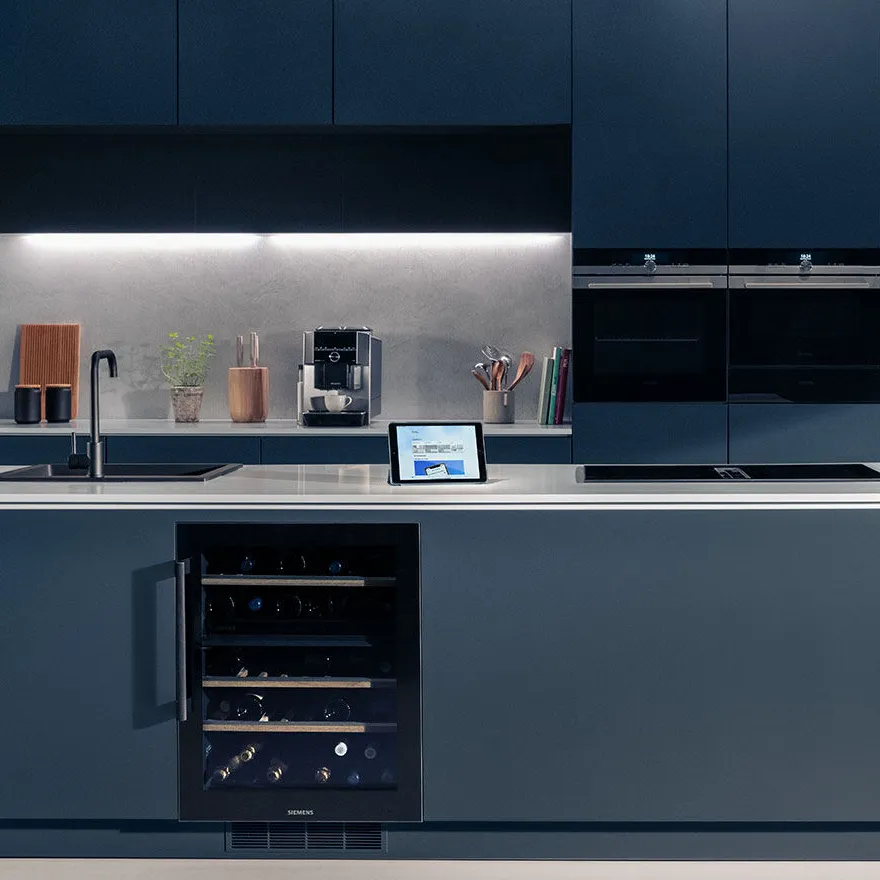
The intelligent way to set up your Amazon Alexa
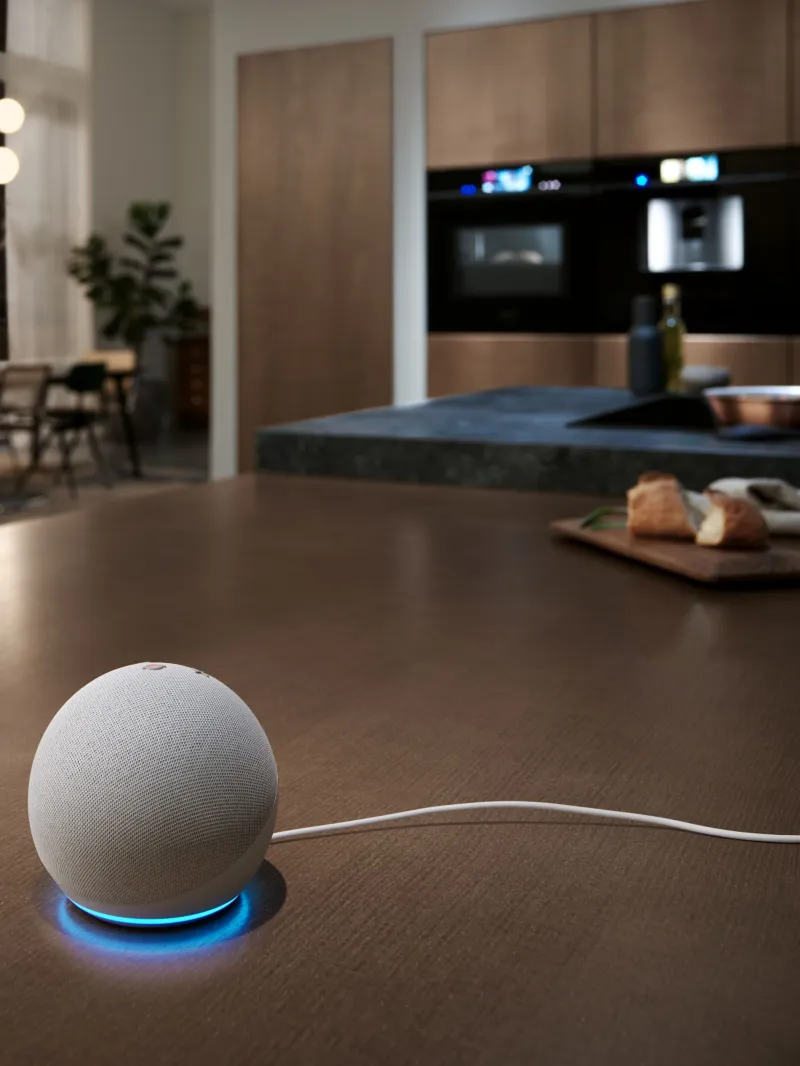
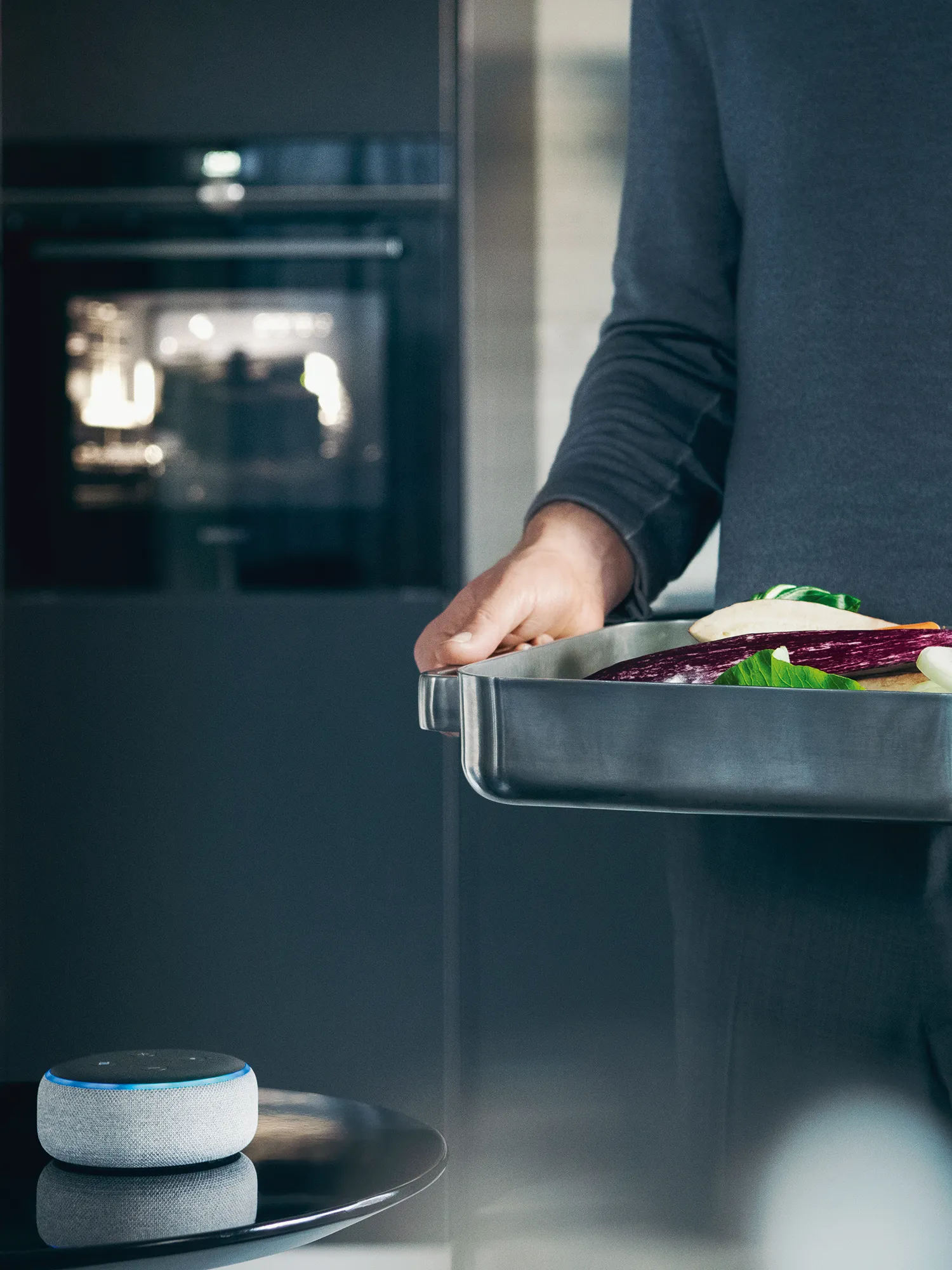

Get started with your Amazon Alexa today
Following the instructions above, you can create your intelligent kitchen today. Discover the many benefits and useful commands either within the app or on the Siemens website.
Download the Amazon Alexa app below:
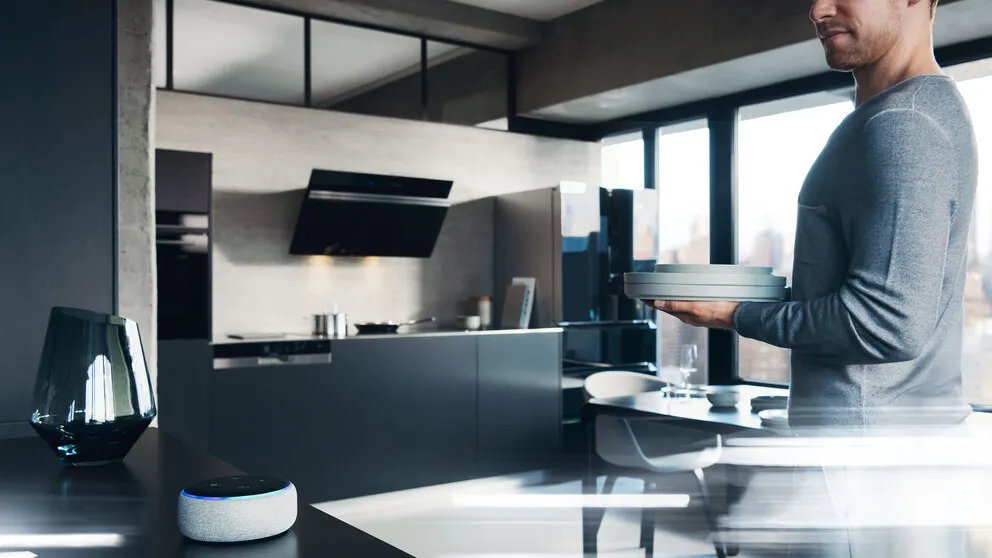
Ensure your appliances are paired with Amazon Alexa
Through the Home Connect app, discover the article 'Use Amazon Alexa or Google Home!' Either ensure your appliances are paired for Amazon Alexa skills, or find out more on the benefits of your voice assistants.
Download the Home Connect app here:

Begin by learning the basics of voice commands
To get started with voice control, simply ask "Alexa, tell my oven to assist", which will follow through asking what program, temperature and duration you'd like. If you'd like to pass over any options, simply ask alexa to "skip", to then set the next option.
Asking Amazon Alexa to "assist" is available with all smart appliances, helping you with smart convenience within your home.

Learn to have full control over your voice commands
Ensure your voice commands for smart ovens work by following a regular structure. All commands must include the name of appliance, the program, temperature and the length of time for the command. Allowing for each option to be exactly how you'd like.
For example, "Alexa, tell my oven to start hot air grilling at 180 degrees for 30 minutes".


The Home Connect App.
Download the Home Connect app for free from the App Store or the Play Store.