Maximise smart oven control with Amazon Alexa
Control Your Oven with Alexa and Siemens Smart Technology
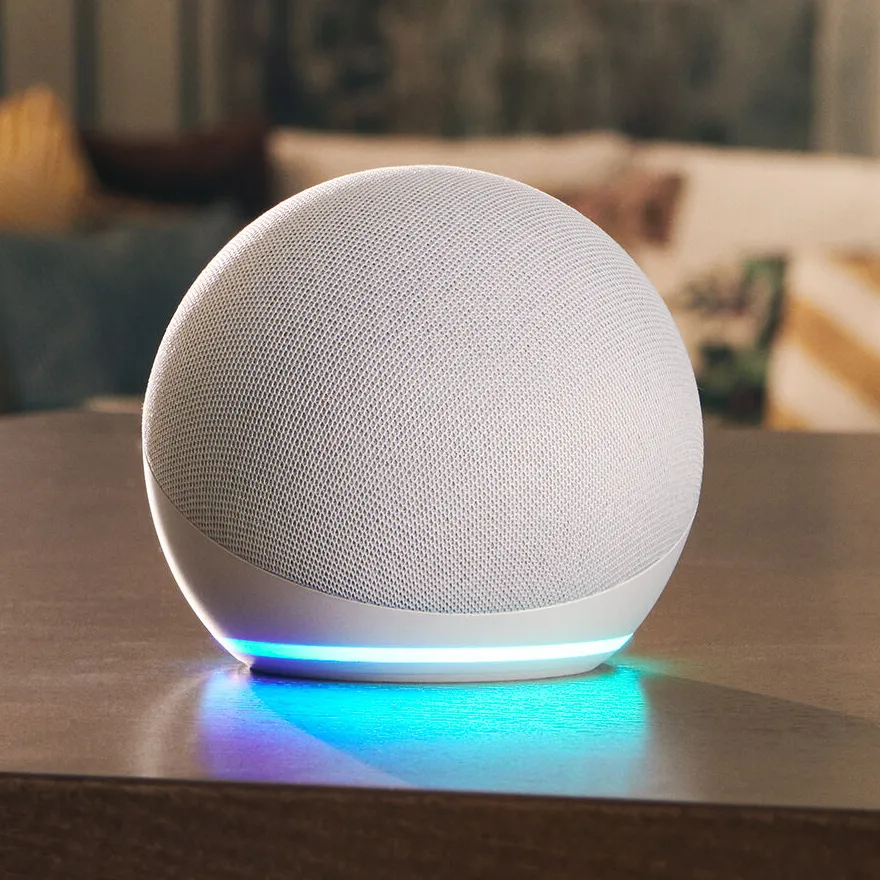
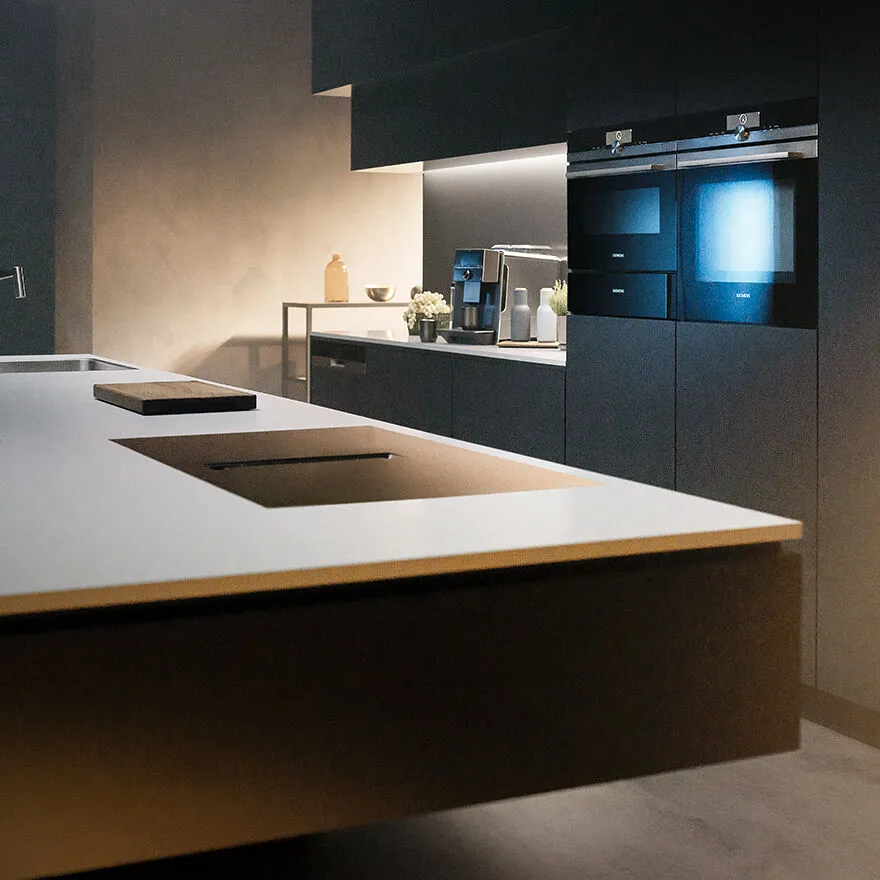
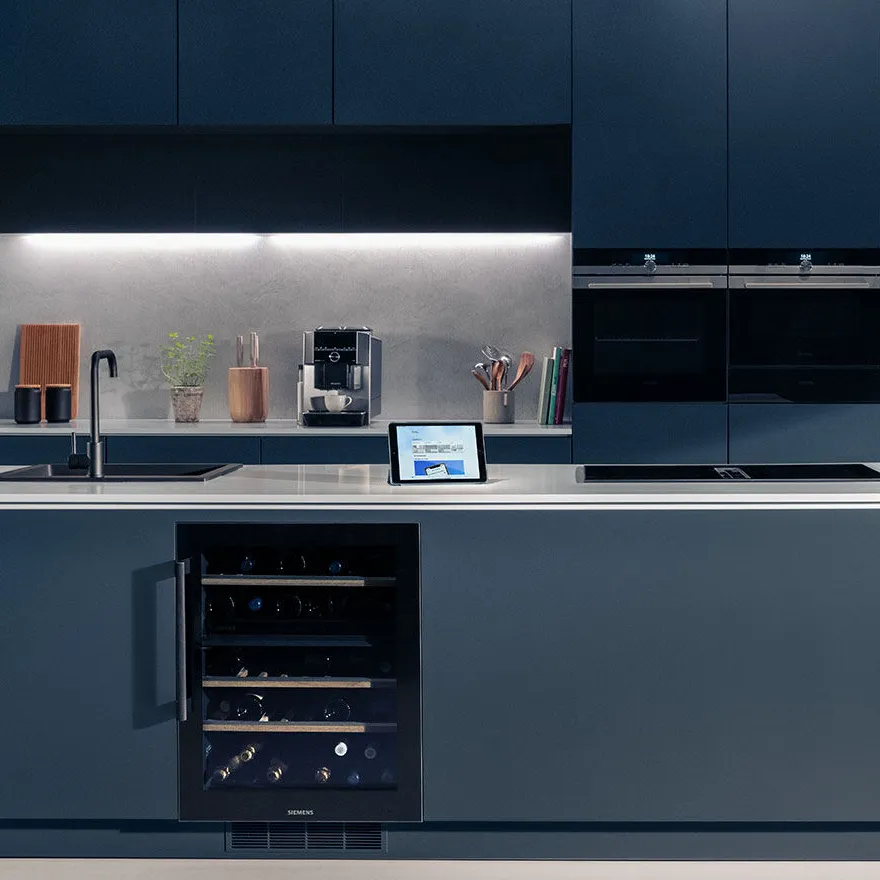
Controlling your smart ovens
To ensure control over your smart ovens, you must:
- Name each appliance within the Home Connect app.
- Name your oven with either a name or number, such as 'Gary' or 'Oven 2', or simply 'Oven'.
- Understand your commands, starting each with "my Oven..."
- Learn key phrases, "Alexa, tell my Oven Gary to start hot air gentle at 180 degrees for two hours".
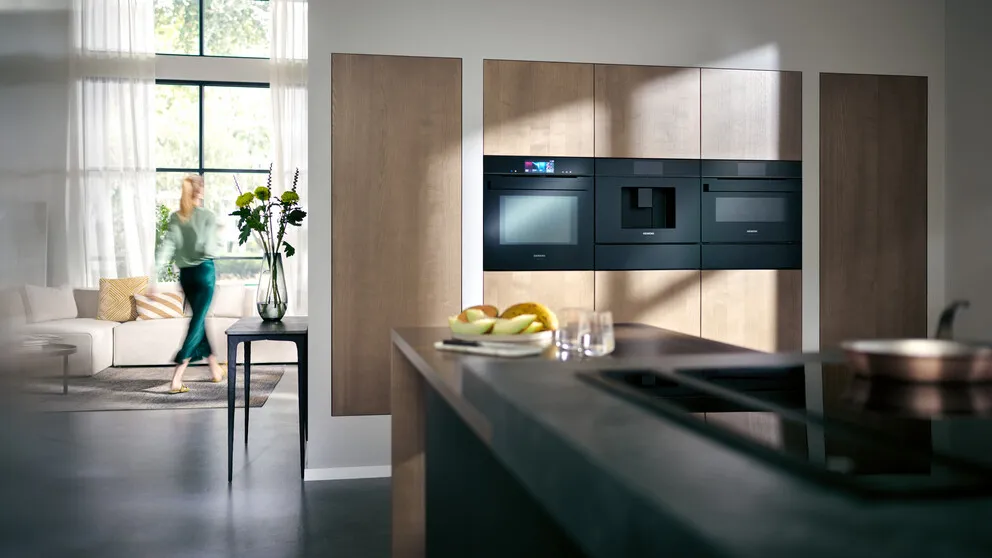
Intelligent and quick commands for smart ovens
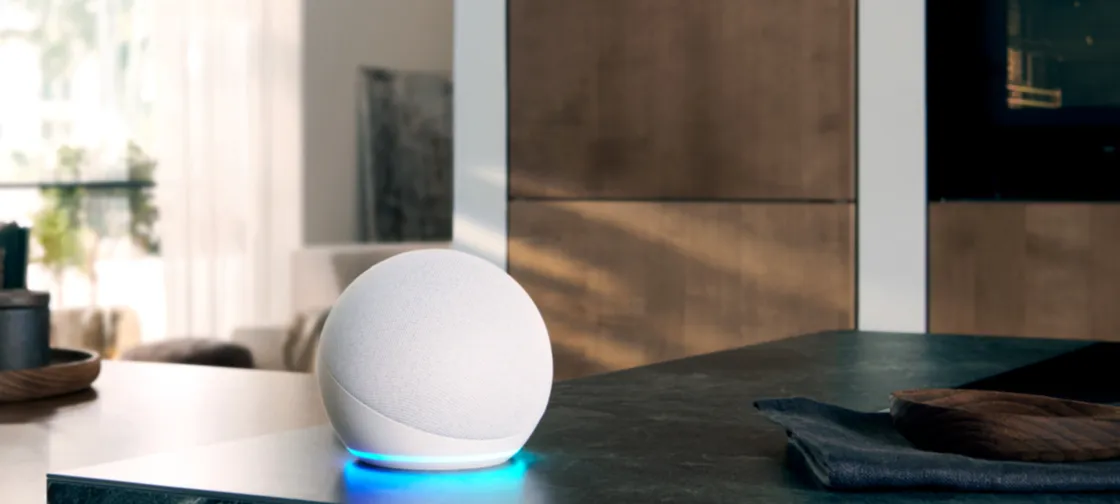
To begin any command, say to Amazon Alexa to 'tell' or 'ask' your oven to follow the command. There are also three settings you can change with your voice commands: programme, intensity and duration. All three can be used together, for instance, "Alexa tell my oven to start intensive heat at 200 degrees for two hours", and any of these setting can be changed during your cooking progress.
Get started with preset smart oven commands
For the full list of specific commands available to learn for your intelligent kitchen, look within the Amazon Alexa app for 'Your Smart Home Skills'. Searching 'Home Connect' and any appliance you have paired, such as an oven, will show you a multitude of preset commands.
Start by following through with the 'Amazon Oven Skill store'.
No need to dash to the kitchen when you have guests over, ensure you know these commands to enjoy your company without the added stress of noise or manually adjusting your ovens settings.
"Alexa...
- ask my oven how long is left".
- tell my oven to be quiet".
- tell my oven to turn off".
- ask my oven to stop the program".
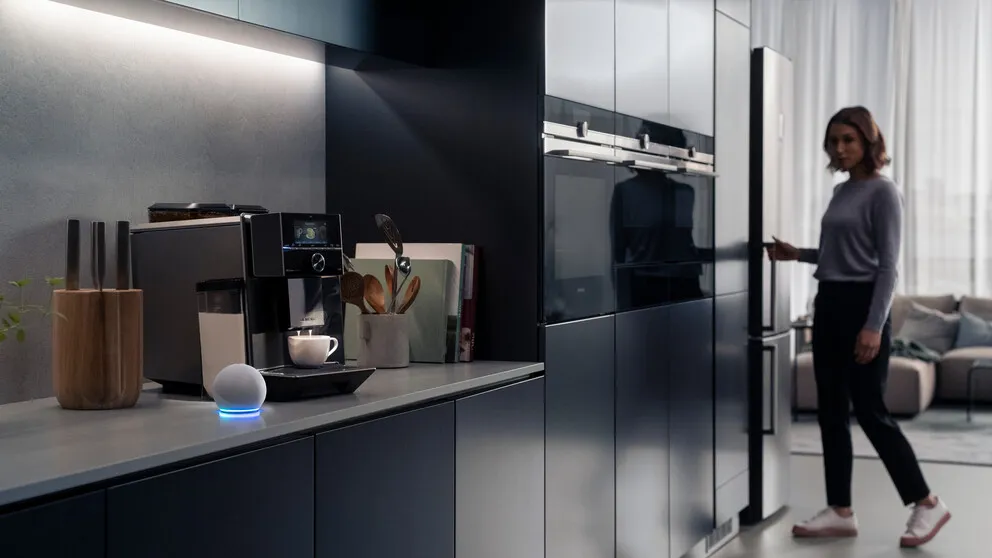
Multi-device control in your intelligent kitchen
Achieve maximum efficiency in your intelligent kitchen if it has multiple ovens, by ensuring you specify which oven to set up in each command.
"Alexa...
- tell my Oven Gary to start".
- ask my Oven 3 to increase the temperature".