
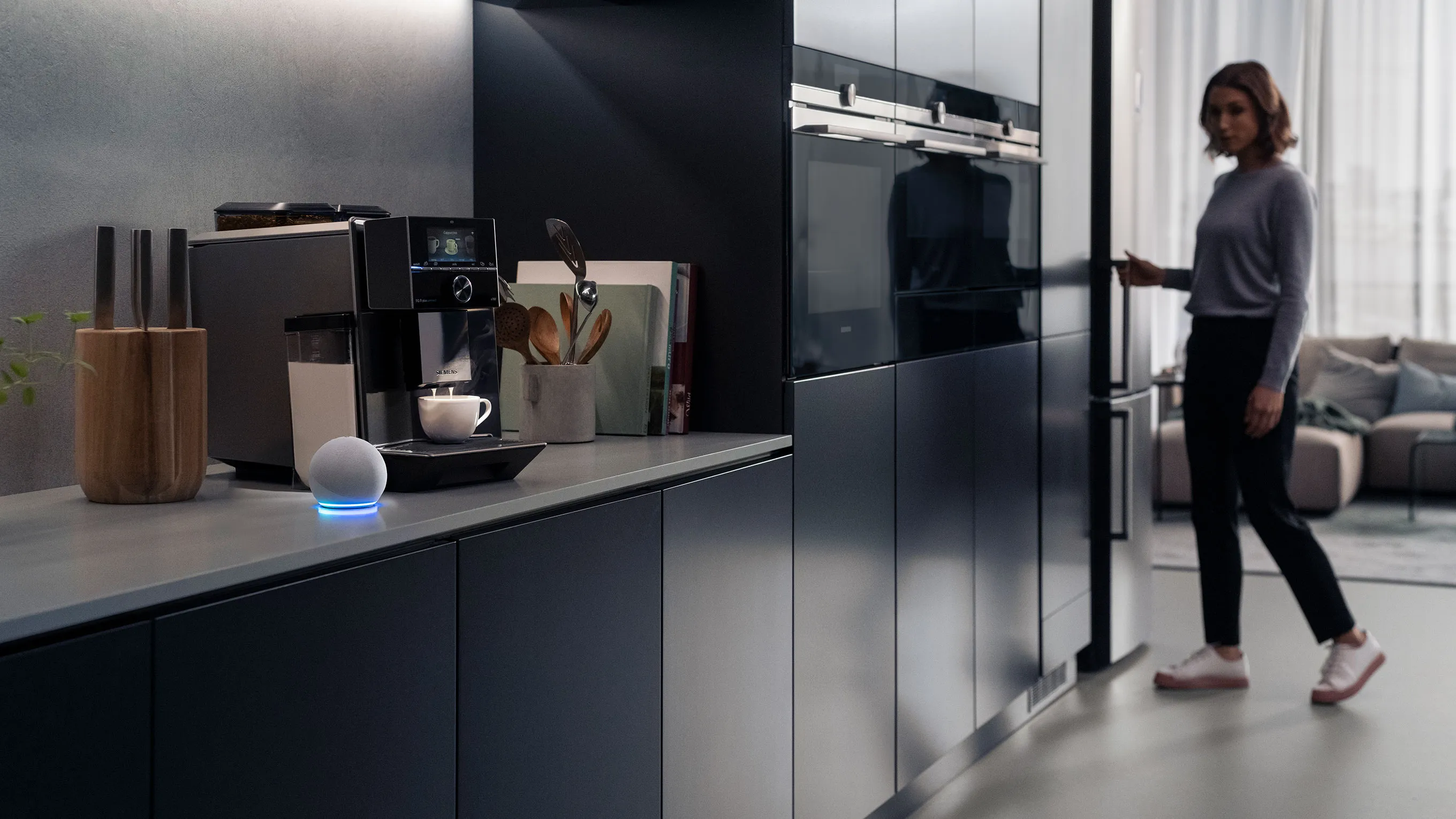
Set up routines on Siemens Appliances for a life of ease
Discover How Siemens Makes Life Easier with Smart Technology
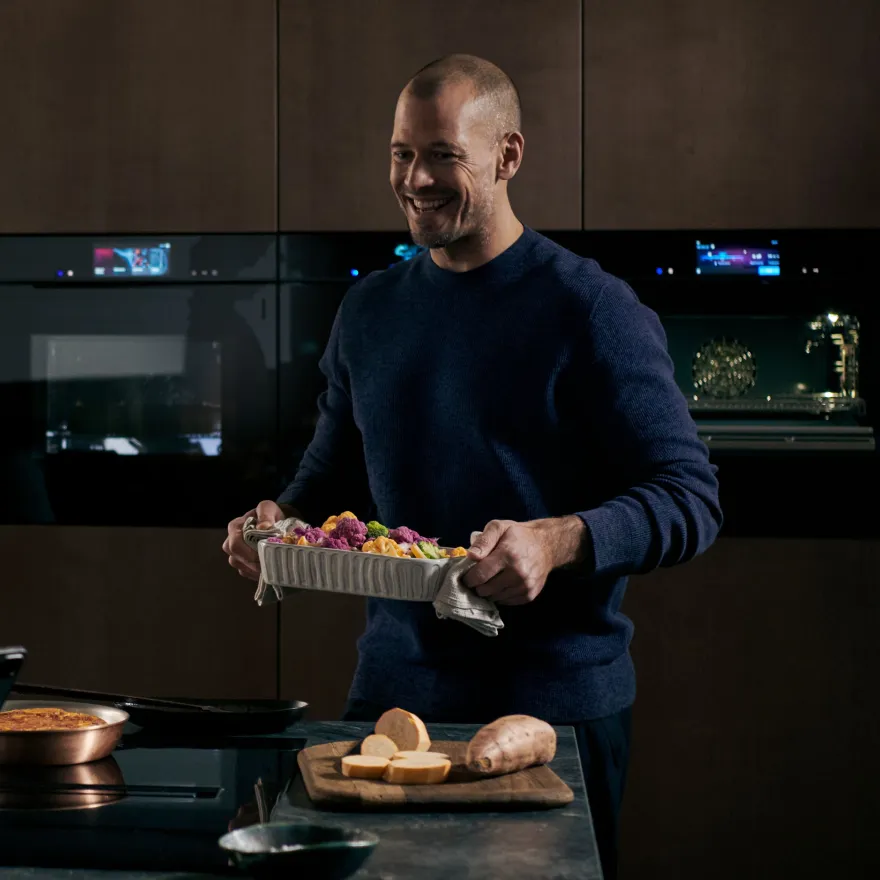
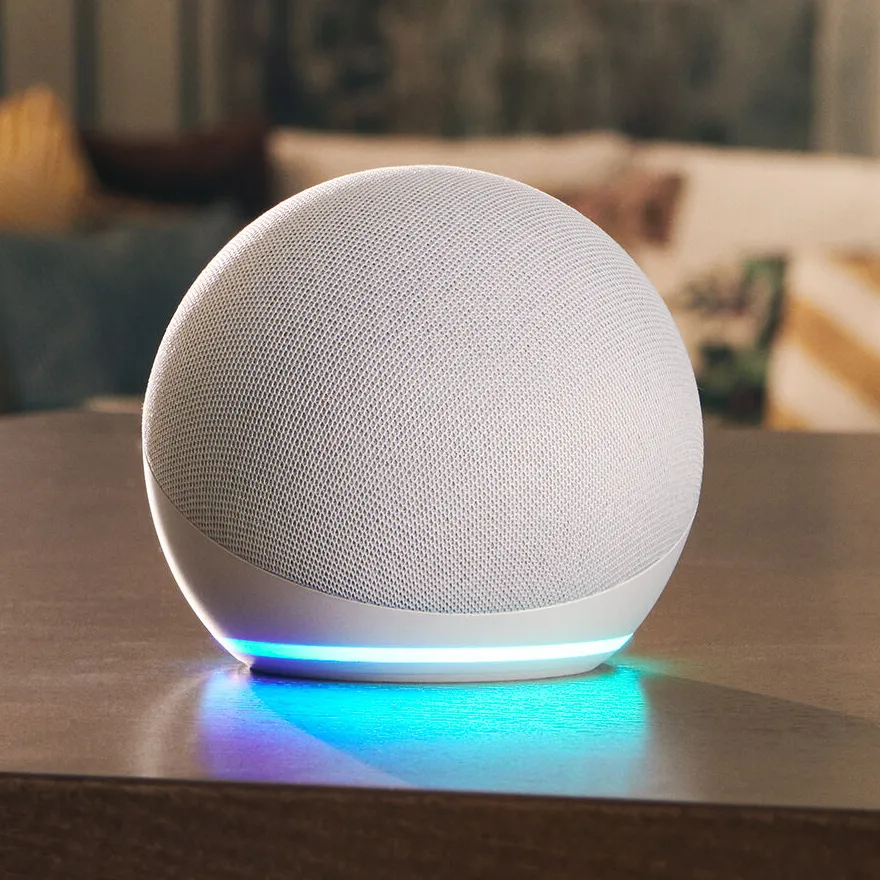
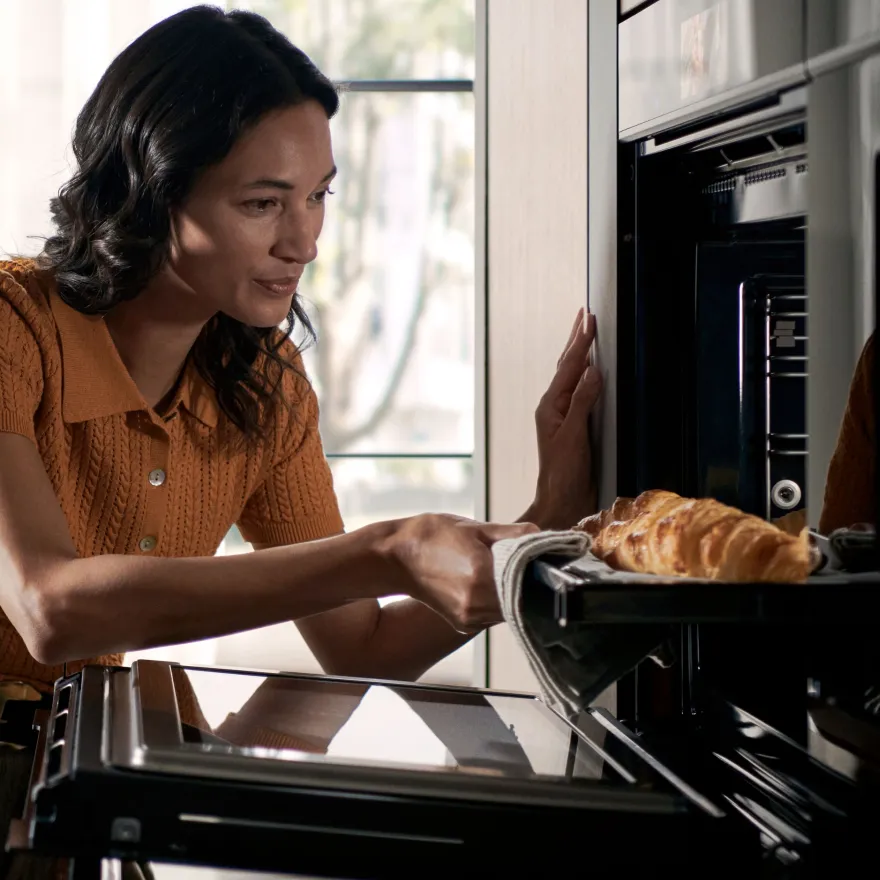
Getting started with your personal routines
- Open the 'Devices' tab on the Amazon Alexa app.
- Press the top right plus icon, and select 'Add device'.
- Choose the type of appliance, and select 'Home Connect' as the brand.
- Once it discovers your device, you will be able to select 'Create a routine'.
- Here you can discover the possible routines you can create to help with your intelligent kitchen.
Maximise your smart homes potential
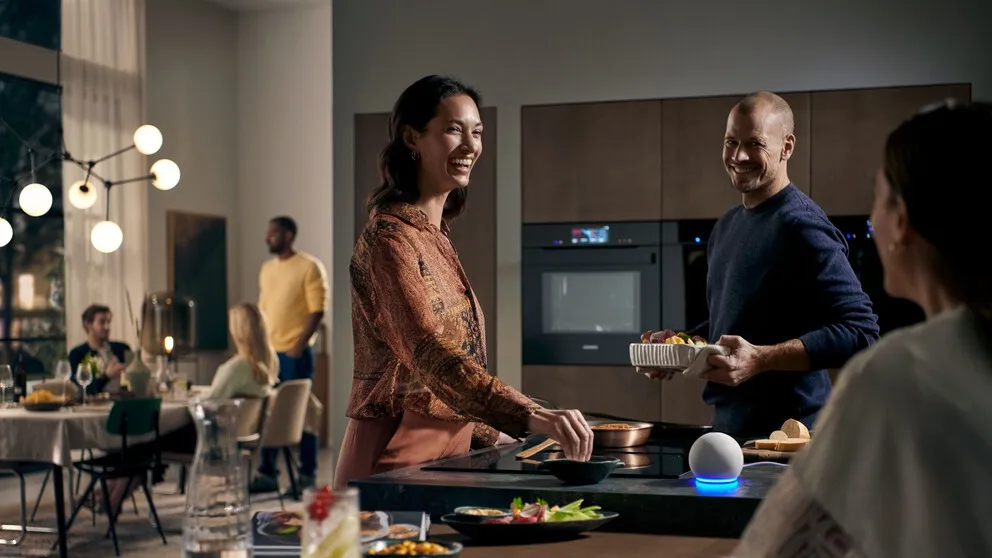
Make cooking quicker and easier with Amazon Alexa routines, you can automate multiple tasks at once with a single trigger. Simplify your cooking process exactly how you want it, helping you out in your day to day life. This is accomplished by creating a list of actions that will happen after one of these triggers: voice, schedule, device, location, and alarm.

Routines for your smart oven
Create your personal ideal routines for your smart oven, by including these actions into a single routine:
- Turn on the oven (will start the default programme).
- Start a programme.
- Turn off the oven.

Discover the range of Amazon Alexa routines
Ensure control for your personal needs as Amazon Alexa has access a multitude of ways to set up a routine for your smart appliances.
- Time scheduling
- Voice control (for multiple commands)
- Alarms
- Sound detection
- Echo button

The Home Connect App.
Download the Home Connect app for free from the App Store or the Play Store.